
A practical guide for brands, designers, and anyone who’s ever wondered why their printed bags looked nothing like the mockup
There’s a moment most people experience when their first batch of custom printed tote bags arrives. You open the box, hold one up — and something’s off. The color isn’t quite right. The edges of the logo look soft when they should be sharp. Or the bag itself feels lighter than expected, and you’re not sure if that’s normal.
We’ve seen this happen a lot. Not because screen printing is complicated, but because most guides skip the part that actually matters: understanding why things go wrong, so you can make sure they don’t.
This isn’t a sales pitch for any particular supplier or printing method. It’s what we wish more people knew before they placed their first order — and what even experienced buyers sometimes overlook on their tenth.
1. What Screen Printing Actually Is (And Why It Prints So Well on Canvas)
The process is older than most people realize
Screen printing predates digital everything. The core technique — pushing ink through a mesh stencil onto a surface — has been used since the Song Dynasty in China. What’s changed is the chemistry of the inks, the precision of the screens, and the equipment that cures the result. The fundamental logic hasn’t.
Here’s how it works on a tote bag, step by step:
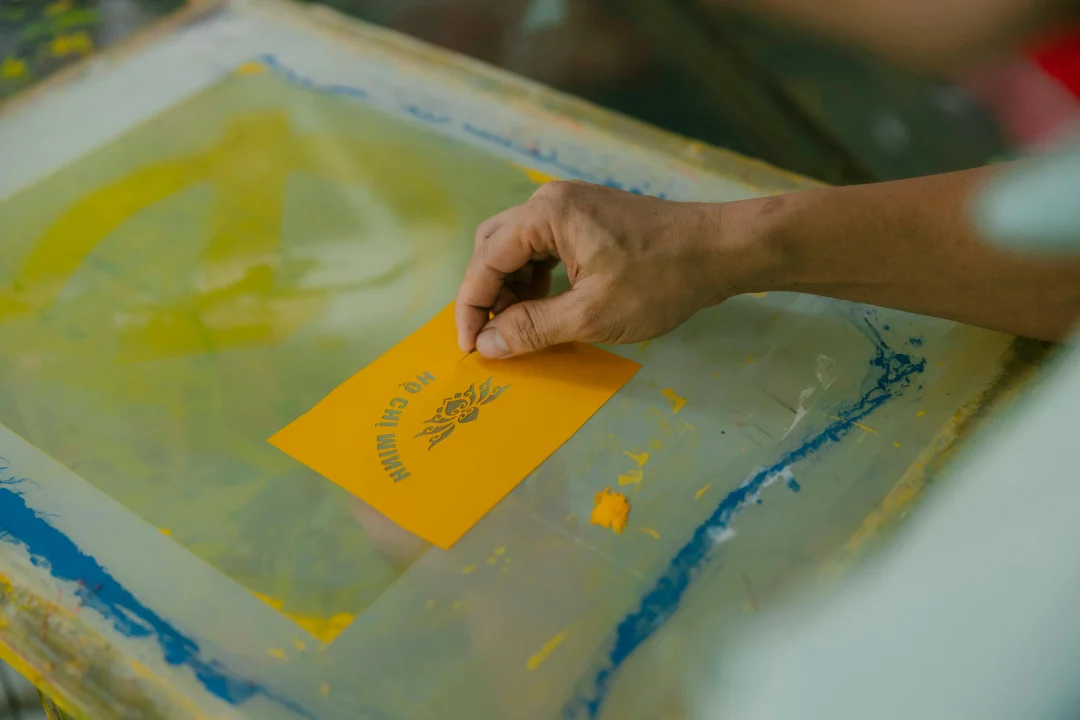
A mesh screen is coated with a light-sensitive emulsion and exposed to UV light through a film of your artwork. Wherever light hits, the emulsion hardens. Wherever your artwork blocks the light, the emulsion stays soft — and washes away, leaving an open stencil. Ink is then pushed through that stencil onto the fabric with a rubber squeegee. Heat-cures it. Done.
Each color in your design requires its own screen. A three-color logo means three screens, three passes through the press, three separate ink applications. This is why color count matters so much to pricing — and why simplifying a design from four colors to two isn’t just a creative choice, it’s a meaningful cost decision.
Why canvas specifically
We’ve printed on a lot of surfaces. Canvas behaves differently from most of them, and in almost every way that matters for screen printing, it behaves better.
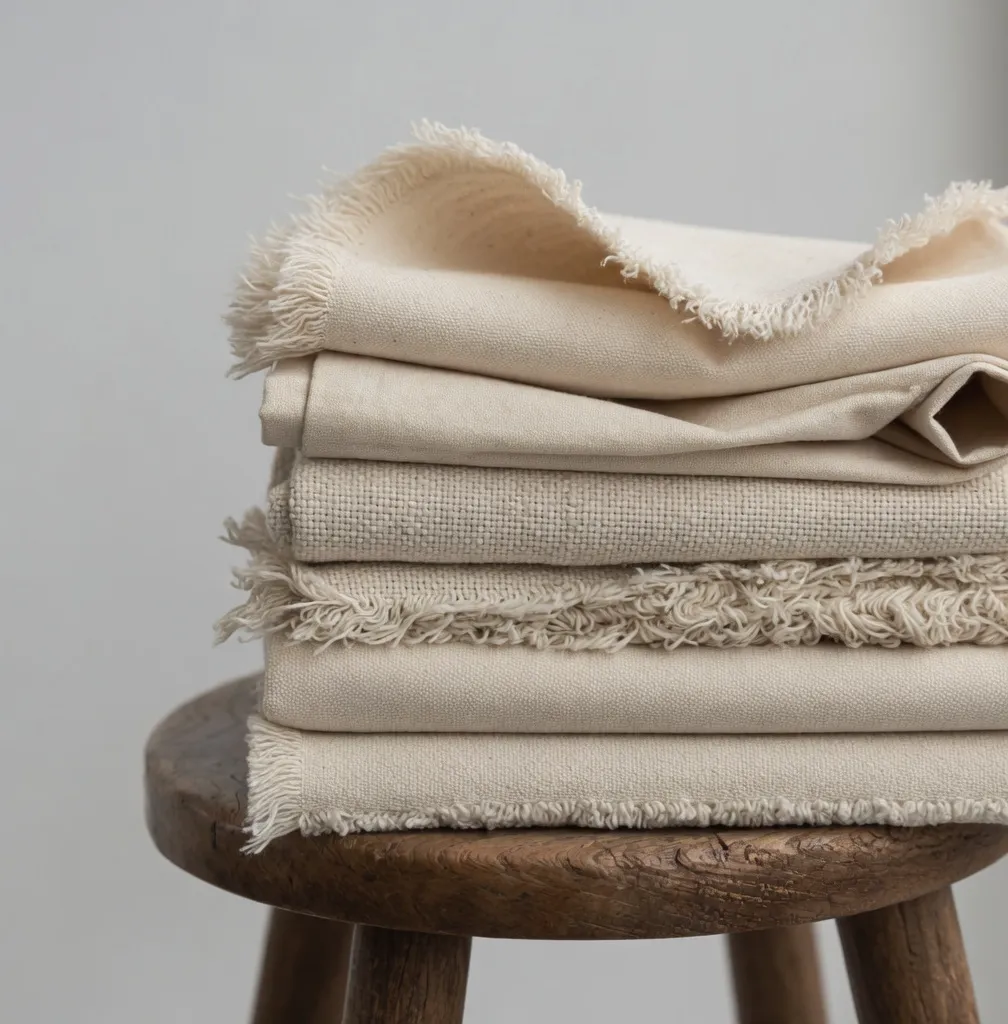
Woven cotton canvas absorbs water-based ink at the fiber level. The ink doesn’t sit on top of the material — it bonds with it. That’s why a well-printed canvas tote survives dozens of washes without cracking or peeling, when the same print on a non-woven bag might start flaking after five. Non-woven polypropylene — the material most cheap “tote bags” are made from — rejects water-based ink entirely. The results look fine in photos. They don’t last.
If you’re printing anything you want to look good for longer than a single event, canvas is the right call. Not because it’s trendy. Because the chemistry works.
2. The Canvas Weight Question (This Is Where Most People Get Confused)
What “10oz” actually means
Canvas weight is measured in ounces per square yard. It’s a density measurement — a heavier canvas has more fiber per unit area, which means a denser weave, a smoother surface, and better ink hold.
Here’s what the numbers actually translate to in practice:
8–10oz is light. It’s the weight you’ll find in most promotional giveaway bags — the ones you get at conferences and rarely use twice. It prints acceptably for bold, simple designs. For anything with fine lines or multiple colors, the weave is too open and ink can bleed between threads.
12 أونصة is the workhorse. It’s what we’d recommend for most custom printed tote bags — good enough for detailed artwork, sturdy enough to feel substantial in hand, affordable enough to order in meaningful quantities. If you’re not sure what weight to specify, start here.
14oz and above is where things get genuinely impressive. The surface is dense and flat — ink sits on it the way it sits on paper, with clean edges and accurate color. These bags feel like retail products, not promotional items. They cost more. For brands where the bag is part of the product experience rather than an afterthought, the premium is worth it.
The pre-shrink problem nobody talks about
Untreated cotton canvas shrinks. After the first wash, an untreated 12oz bag can lose 5–8% of its dimensions. That doesn’t sound like much until you realize a 12-inch print area just became 11 inches — and the design that was perfectly centered is now slightly off.
The fix is simple: specify pre-washed or pre-shrunk canvas when you order. Most reputable suppliers offer it. A surprising number of buyers never ask, and they discover the problem the hard way.
3. Why Your Colors Looked Different in Real Life
The base color problem
This is the most common source of disappointment we hear about, and it’s almost always preventable.
Your design exists in RGB on a screen. Screen printing uses physical Pantone inks on fabric. Those are three completely different color systems, and none of them automatically match each other.
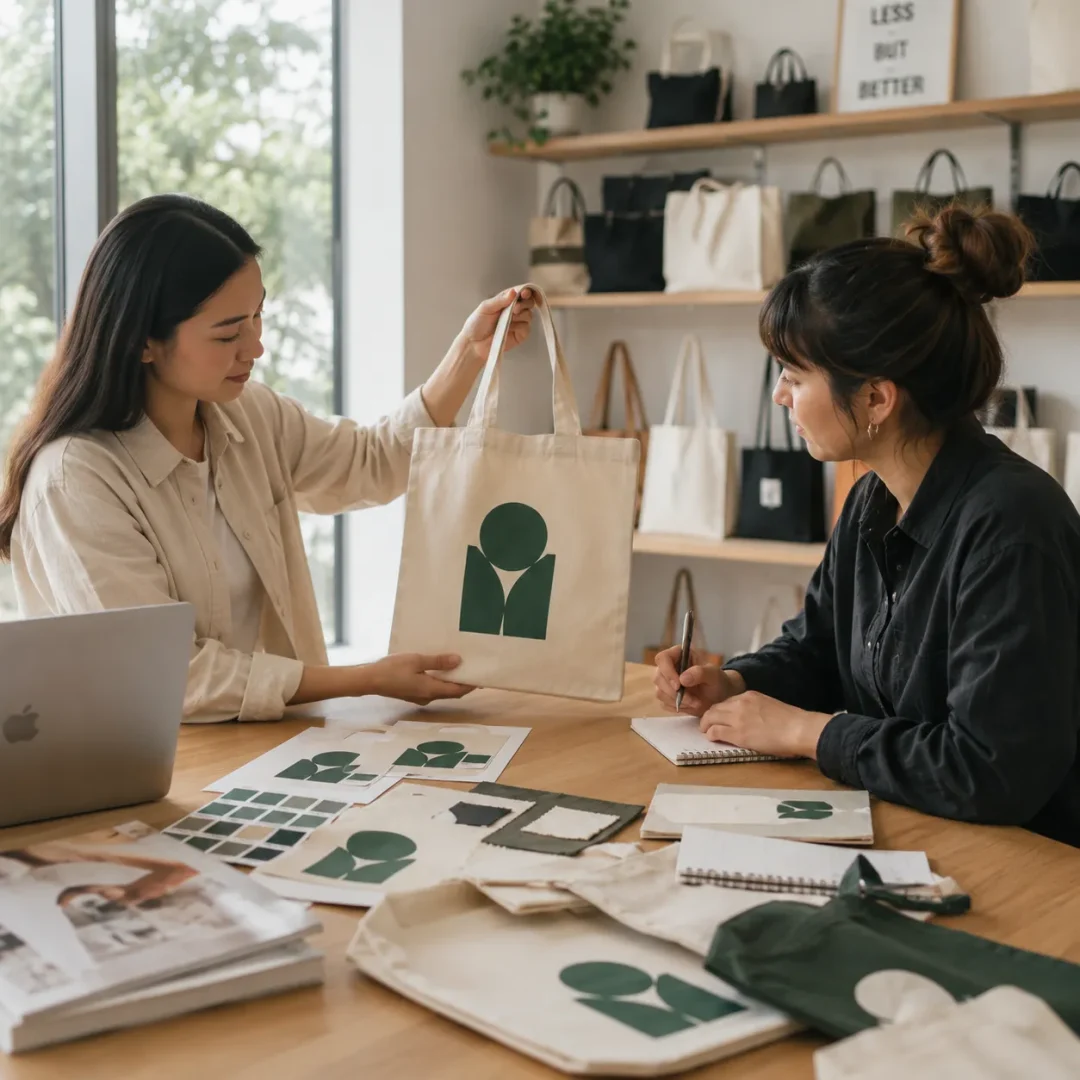
When you submit artwork with RGB or CMYK values and ask a printer to “match the colors,” you’re asking them to interpret. Sometimes they interpret well. Sometimes they don’t. The only way to get consistent, accurate results is to specify Pantone (PMS) color codes for every ink in your design.
The other variable is the bag itself. Natural or white canvas gives you a neutral base — ink colors reproduce close to what Pantone promises. Print the same design on a navy bag, and every color shifts. A yellow ink on dark canvas reads as greenish. If your brand has specific color requirements, natural canvas is the safest starting point.
When you’re printing on dark canvas
It’s not impossible — it just requires an extra step. A white underbase layer gets printed first, before your actual colors go down. It gives the ink something neutral to sit on. This adds one color to your screen count and one pass through the press, which adds cost. But without it, printing on dark fabric produces results that look faded and inaccurate.
A lot of buyers don’t find this out until after they’ve approved a quote for two-color printing on a black bag — and then learn the actual job is three colors because of the underbase. Ask upfront. It’s not a hidden fee if you know to expect it.
4. Design Files: The Part Designers Know and Everyone Else Doesn’t
Vector vs. raster — why it matters for fabric
Digital images work on screens because screens are made of pixels. Screen printing works on fabric because it’s made of physical stencils. These two systems don’t naturally speak the same language.
A JPEG or PNG logo — even a high-resolution one — is built from pixels. When you scale it up to print size, those pixels become visible as jagged edges and soft transitions. A vector file (AI, EPS, SVG) is built from mathematical paths. It scales infinitely without any loss of precision. The stencil cut from a vector file is sharp. The stencil cut from a raster file is a compromise.
If you’re a designer, you already know this. If you’re a brand owner or founder working with a logo someone made for digital use, it’s worth asking your designer specifically: “Do you have the vector source file?” Not the PNG they exported. The actual .ai or .eps file. That’s what goes to the printer.
The detail limitations people don’t expect
Screen printing has a physical lower limit on detail. Ink is pushed through a mesh by a rubber squeegee — which means anything finer than the mesh can allow will bleed or drop out entirely.
In practice: lines thinner than 0.5pt will likely disappear or bleed. Very small text (under 8pt) becomes illegible. Photographic gradients require halftone simulation — a technique that approximates tonal variation using dot patterns rather than continuous color. It works well for some artwork styles. It doesn’t look like a photograph.
None of this means screen printing is a limited medium. It means it has a specific aesthetic language — bold, graphic, clean — and designs that embrace that language consistently produce the best results.
5. The Sample Step (And Why Skipping It Is Always a Mistake)
We’ve never seen a buyer regret requesting a pre-production sample. We’ve seen a lot of buyers regret not requesting one.
A physical sample before full production does two things. It validates the bag — you can feel the canvas weight, check the stitching, test the handle. And it validates the print — you can see how your actual artwork looks on the actual material, under actual light, not on a screen.
The standard practice is to print one sample, wash it five to ten times, and check that the ink hasn’t cracked, faded, or peeled. If it fails that test, you want to know before 500 units are produced — not after.
Some suppliers charge for samples. Most reputable ones don’t for genuine B2B inquiries. Either way, the cost of a sample is negligible compared to the cost of a run that goes wrong.
6. A Realistic Picture of What Things Cost
We’re not going to quote specific prices — they vary too much by supplier, region, canvas spec, and order size to be useful here. But the cost structure is consistent and worth understanding.
Screen printing has two cost components: setup and production.
Setup cost covers making the screens — one per color, per print location. It’s a fixed cost you pay once for a given design. On a small order, setup cost represents a large share of the total. On a large order, it becomes almost invisible.
Production cost is per unit — the bag itself plus the printing. This falls as quantity increases, because the fixed setup cost is spread across more units.
The practical implication: small orders are expensive per unit, large orders are efficient. An order of 500 bags at a high per-unit cost might still make sense for a product launch sample run. An order of 1000+ bags at a much lower per-unit cost is where screen printing starts to feel like the excellent value it actually is.
One thing worth knowing: if you reorder the same design from the same supplier, most will waive the screen setup fee entirely. Your screens are already made. That makes repeat orders meaningfully cheaper than first orders — which is worth factoring into your supplier relationship from the start.
7. What the Finished Bag Should Look Like (And What to Question If It Doesn’t)
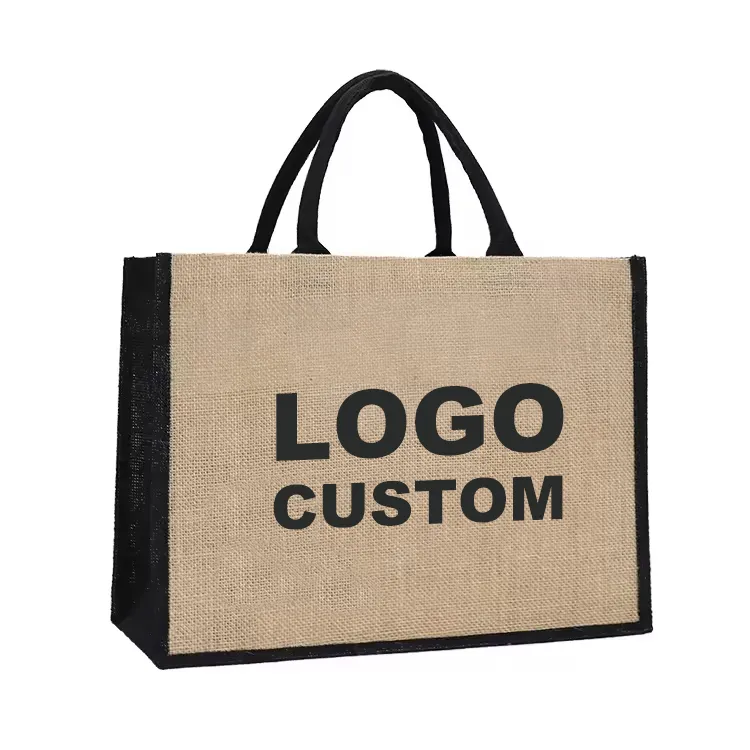
A well-executed screen printed canvas tote bag has a few consistent characteristics. The ink feels slightly raised from the surface — not rubbery, not stiff, but present. Colors are saturated and accurate to what was specified. Edges are clean, with no bleeding or feathering into the weave. After washing, the print remains intact with no cracking along fold lines.
If the ink feels like a thick rubber sheet, it was over-applied or under-cured. If colors look washed out, the ink wasn’t mixed to specification or the canvas weight was too light. If edges are soft, the artwork was submitted as raster or the screen mesh was too coarse for the design detail.
Most of these problems are visible on a sample. Which is why the sample step is the most important one.
Where to Go From Here
Screen printing on canvas tote bags produces results that hold up — in quality, in durability, and in how they represent a brand. The variables that determine whether your order goes well aren’t mysterious. They’re canvas weight, artwork format, color specification, and a supplier who knows what they’re doing.
If you’re at the stage of thinking about where to source the bags themselves — blank canvas tote bags in bulk, at wholesale — that’s a different set of decisions with its own logic. We’ve written a separate guide on that: how to evaluate wholesale canvas tote bag suppliers for screen printing projects, what to look for beyond unit price, and how to structure a bulk order that actually delivers what you need.
 Arabic
  English
  French
  German
  Japanese
  Thai
Thai  Vietnamese
  Russian
  Spanish
  Portuguese